HP Sure Click is changing the way businesses protect their devices in an increasingly remote world.
With cyber threats becoming more prominent and sophisticated, companies need simple, effective tools to keep their data and teams safe—especially when people are working from home or on the go.
What is HP Sure Click?
HP Sure Click is a security solution built into select HP devices that helps guard against common but dangerous threats—like malware, ransomware, and phishing attempts—without disrupting your day.
It does this by opening risky files and websites in isolated, hardware-backed micro-virtual machines.
In simple terms, when you click on a shady-looking link or open a suspicious attachment, HP Sure Click steps in and contains any potential threat in a secure bubble, so it can’t touch the rest of your system.
This means you’re protected even if the worst happens and that innocent-looking PDF turns out to be something more sinister.
Read More: HP Security Solutions: HP Tamper Lock, Sure Click & Sure Admin
Why HP Sure Click Matters in Today’s Hybrid Workplace

The way we work has changed. While flexibility is a plus, it also introduces new gaps in security.
Remote Work Comes with Risks
Home networks usually aren’t as well-defended as office setups. Many employees also use personal or unmanaged devices, making it more difficult for IT teams to enforce security policies.
HP Sure Click helps bridge this gap by acting automatically. No need for staff to make judgement calls about whether a link looks suspicious—it just isolates it quietly and efficiently.
That kind of hands-off protection is vital when users are working independently or outside company firewalls.
A Changing Threat Landscape
Cybercriminals aren’t breaking down doors—they’re slipping in through everyday tools like web browsers, Word docs, and spreadsheets. It’s easy to make a mistake when you’re juggling meetings, deadlines, and emails.
That’s why HP Sure Click focuses on these common entry points. Whether you’re opening a file from a stranger or browsing an unknown site, the solution creates a sealed environment that can be discarded after use, keeping the rest of your system untouched.
Read More: HP Tamper Lock: Your Protector Against Physical Tampering
What Makes HP Sure Click Different?

There are plenty of security tools out there, but HP Sure Click stands out by doing more behind the scenes with less fuss.
1. Hardware-Enforced Isolation
The solution taps into your device’s processor to create virtual “sandboxes” where threats can’t escape.
2. Smooth User Experience
You won’t notice any slowdown or pop-ups. Files and websites open like normal—just safer.
3. Automatic Containment
No manual scans, no software add-ons. It just works in the background to protect you.
4. Threat Reporting for IT Teams
If anything malicious is detected, it’s logged and flagged. Your security team can then analyse and respond without needing access to your device.
Why It’s a Smart Choice for SMEs and Enterprises
HP Sure Click is especially useful for industries that handle sensitive data—think finance, legal, or healthcare. But it also brings peace of mind to any business where employees regularly open files, links, or emails from external sources.
- Reduces the chances of a successful cyberattack
Since threats are contained from the start, damage is avoided altogether.
- Less pressure on IT teams
With protection running quietly on each device, there’s less need for constant updates or manual checks.
- Better compliance
Secure handling of documents helps businesses meet data protection requirements.
- Fits into daily routines
Staff can go about their work without changing habits or worrying about what they’re clicking.
Read More: Minimising Risks with Device Recovery: What You Need to Know
How DaaS 360 Makes It Even Easier
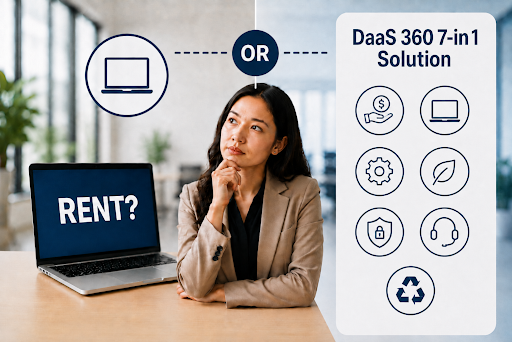
If you’re looking to equip your team with secure, ready-to-go devices, DaaS 360 offers a simple solution.
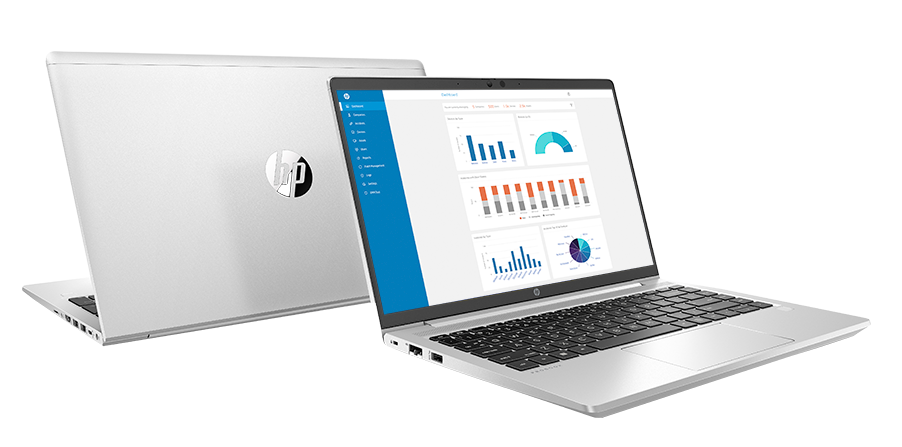
Our rental plans include HP Sure Click-enabled laptops and desktops, fully configured to support secure remote work:
- Devices are pre-loaded with advanced security features like HP Sure Click
- Flexible rental terms that scale with your needs
- Ongoing management and support to keep devices up to date
- Ideal for both short-term and long-term deployments
Whether you’re a growing business or managing a remote team, we help you keep things secure—without adding complexity.
Protect Your Team with Smarter Tools
Explore our available solutions and see how HP Sure Click, together with our DaaS 360 rental plans, can give your business the confidence to work safely from anywhere.